Updated by the AI Hairstyle team
How to Take a Photo for a Hairstyle Try On
Knowing how to take a photo for a hairstyle try on makes the biggest difference to the preview: the AI redraws your hair around your face, so it needs to see your face, hairline and head shape clearly. The generator asks for a clear, front-facing photo with good lighting and no obstructions. Here is how to take one.
Upload a Photo and Try a StyleHow to Take a Photo for a Hairstyle Try On
- Face the camera: look straight at the lens with your head level; turned heads give uneven results.
- Soft, even light: stand facing a window in daylight. Light from one side throws shadows that can look like hair.
- Show your hairline: push fringes and loose strands back if you can, so the new style starts from your real hairline.
- Head and shoulders in frame: long styles fall past the shoulders, so leave some room below your chin and above your head.
- Plain background: a wall behind you keeps the edges of your head clear.
Things That Make the Preview Worse
- Hats, hoods and headbands: they hide the head shape and hairline the AI needs.
- Sunglasses: they hide part of your face; ordinary glasses are fine if you wear them every day.
- Filters and beauty modes: they smooth and reshape your face, so the preview no longer looks like you.
- Group photos: use a photo of just you.
- Very low resolution: old or heavily compressed photos lose the detail around the face.
Using the Crop, Rotate and Zoom Tools
After you upload, the generator lets you change the aspect ratio, rotate the photo by 90°, flip it and zoom. Rotate a sideways phone photo upright, and zoom so your head and shoulders fill most of the frame without cutting off the top of your head.
Flipping is useful if you are used to seeing yourself in a mirror: selfies are often mirrored, and a flipped photo can look more like the face you know.
Should Your Hair Be Up or Down?
If your hair is long, tying it back loosely often helps, because the AI then starts from a clear outline of your head. For short hair, wear it as you normally do.
Try the same photo with two or three different styles. If every preview looks odd in the same way, the photo is usually the cause, so retake it before spending more tries.
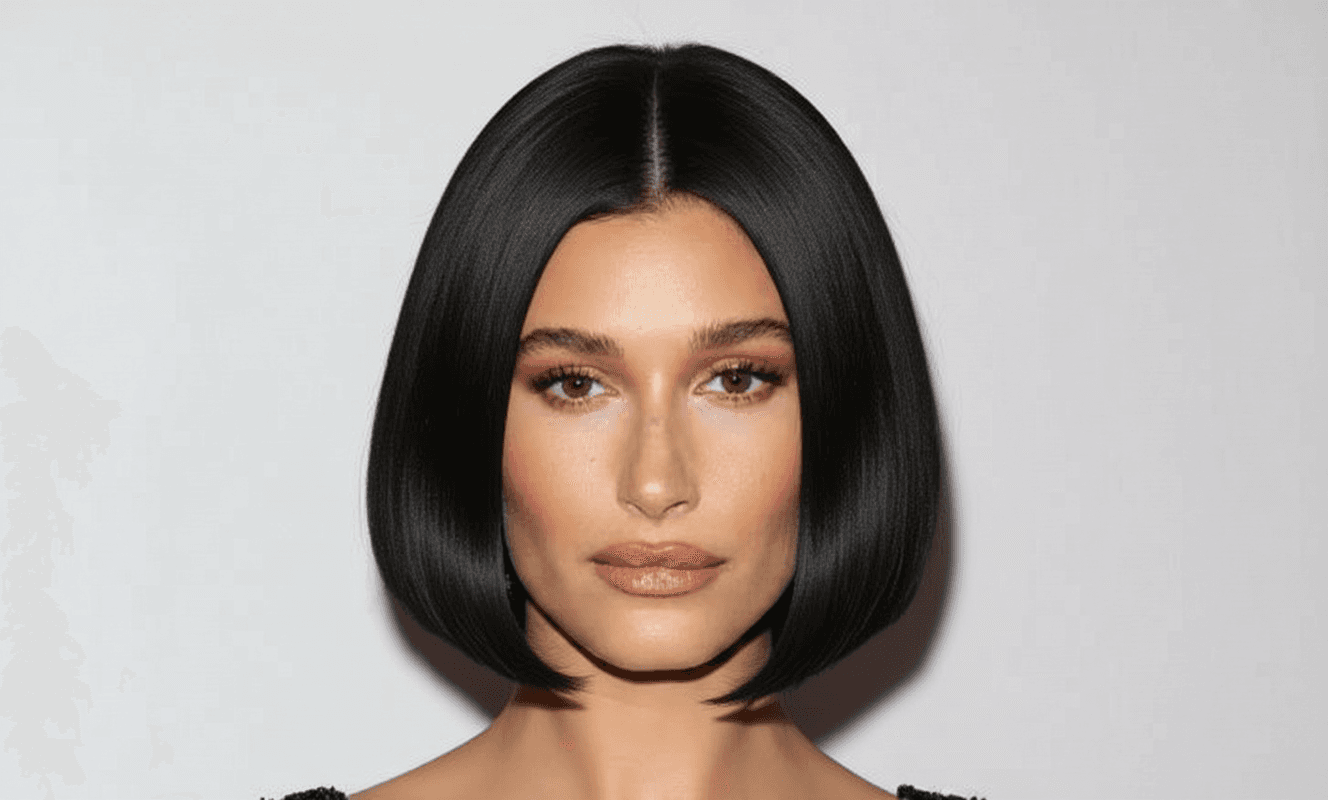
Styles to Test Your Photo With (Women)

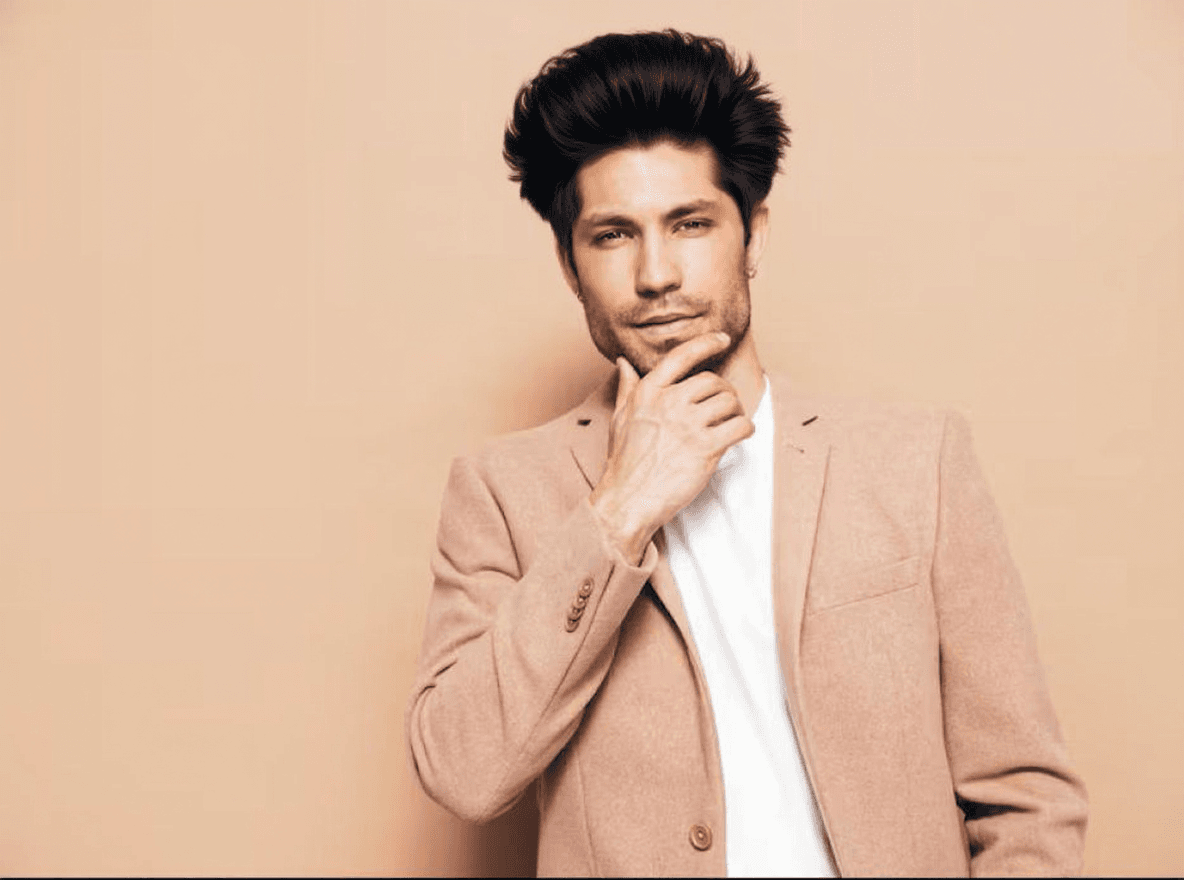
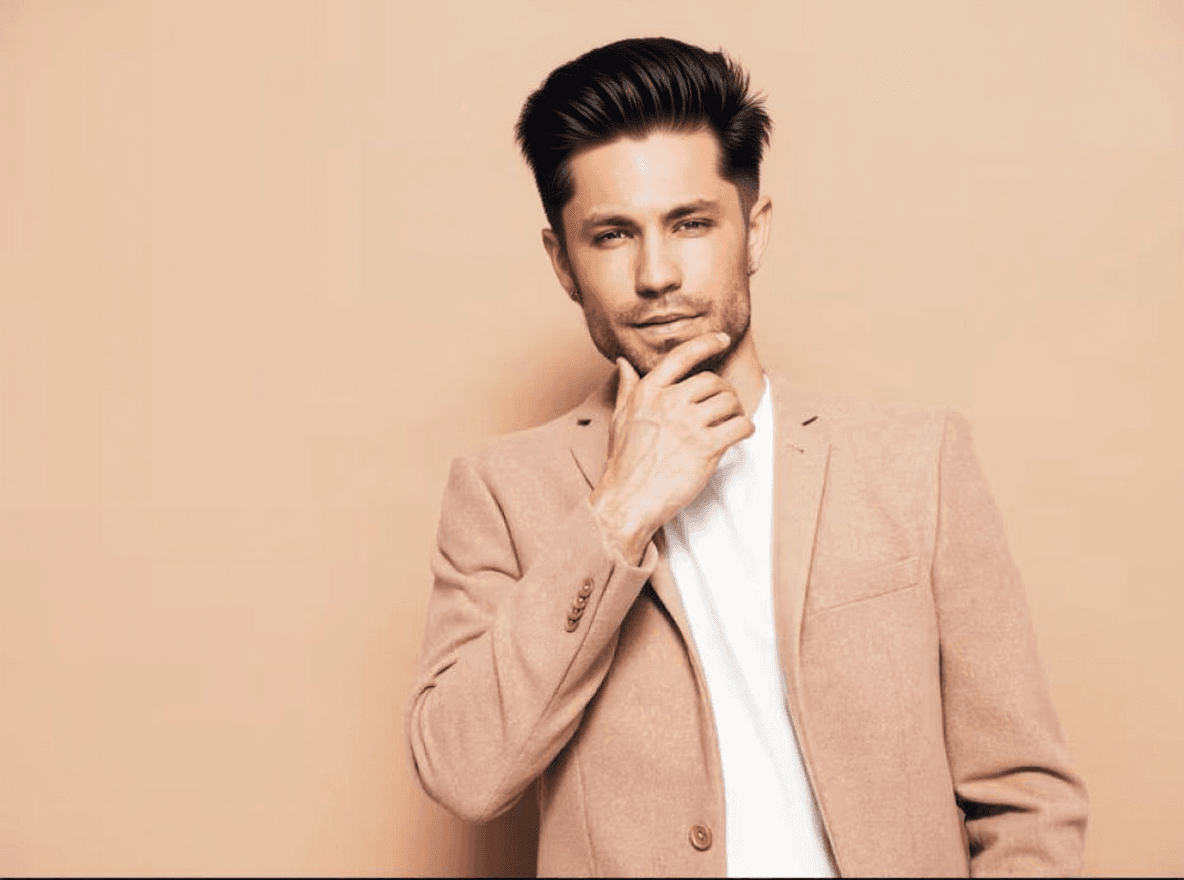
Styles to Test Your Photo With (Men)
Try These Styles on Your Own Photo
Each generation gives you 2 variations, and new accounts get 1 free generation.
Open the GeneratorHow to Take a Photo for a Hairstyle Try On: FAQs
What kind of photo works best for a hairstyle try on?
A clear, front-facing photo in good light with your face and hairline visible and nothing covering your head.
Can I use a selfie from my phone?
Yes. Hold the phone at eye level, face a window and keep your head straight. The upload step lets you rotate, flip and zoom.
Should I wear glasses in the photo?
If you wear them every day, keep them on so the preview matches how you look. Remove sunglasses.
Why does my preview look strange?
Usually because of the photo: a turned head, side lighting, a hat or a filter. Retake it facing the camera in soft light.